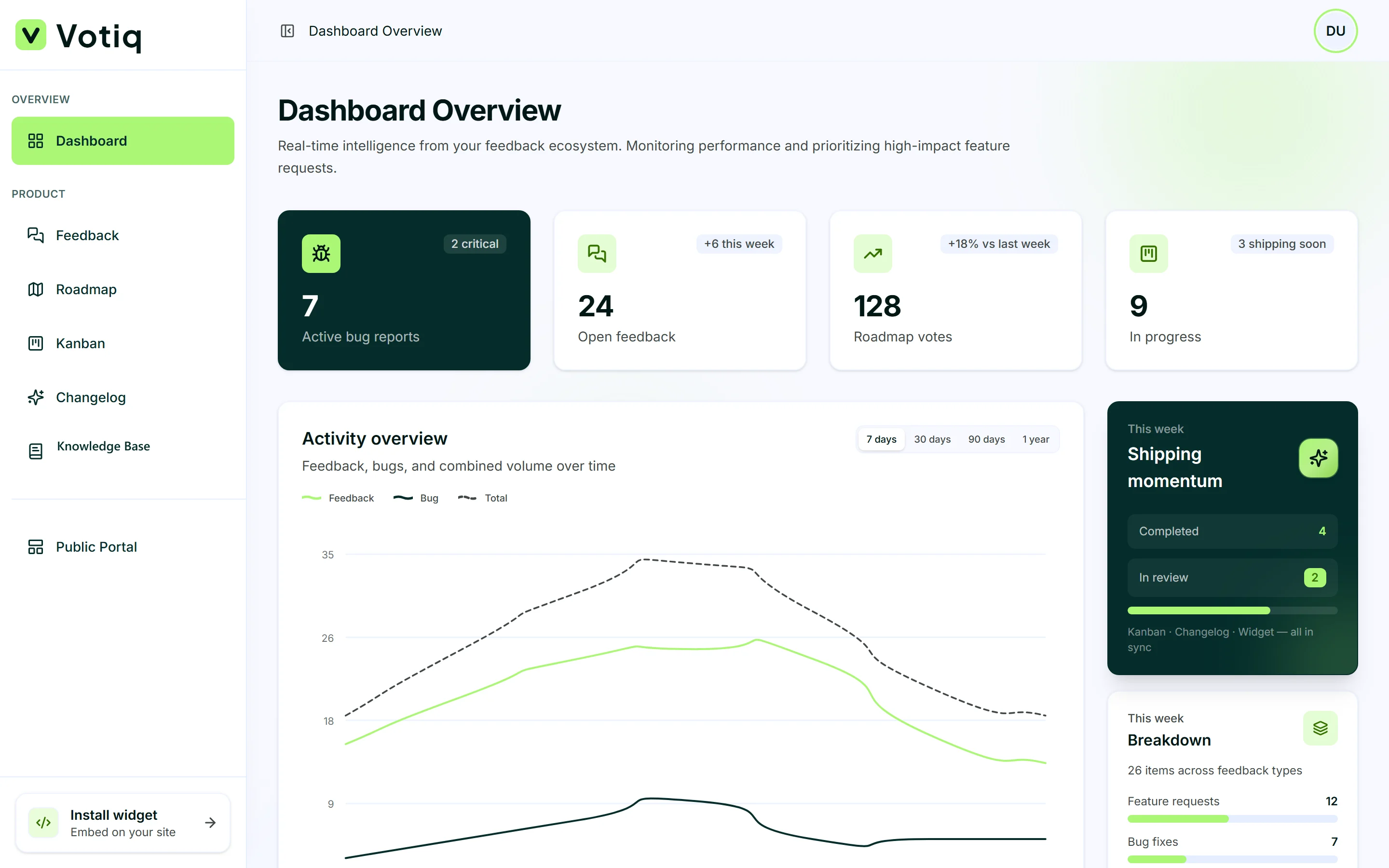
Overview: documentation software that lives with your product
Most SaaS teams eventually need documentation software — a place for how-tos, FAQs, and onboarding guides. The usual pattern is a separate docs site (GitBook, Notion public pages, or a custom docs app). That works for SEO, but users often leave your product to find answers, then struggle to return to the exact screen where they were stuck. Votiq approaches documentation as a contextual knowledge base: articles you write once, publish to your public portal, and surface inside the embeddable widget next to feedback, roadmap, and changelog. Help travels with the product experience instead of living only on a disconnected URL.
What you can publish
Use the documentation module for getting-started guides, feature explainers, billing FAQs, troubleshooting steps, and best-practice playbooks. Organize articles by topic so customers can browse, and keep titles specific (“How to invite a teammate”) rather than vague (“Users”). Because docs sit beside feedback in the widget, you can deflect tickets: when someone opens the panel to complain, they may find the answer first. That is the practical promise of in-app documentation software for SaaS teams.
Docs in the widget
Votiq includes a documentation module for customer-facing guides. Write help articles, organize by topic, and publish them to your public portal — and inside the embeddable widget — so users never need to navigate elsewhere to get unblocked. The widget is already where customers submit ideas and check the roadmap. Adding docs to that launcher creates a single “help & feedback” surface: learn, ask, vote, and see what shipped without context switching across four browser tabs.
Contextual documentation that reduces support load
Contextual docs link help to where users already are. A guide on submitting feedback can appear when someone opens the feedback form; setup articles surface when they need them. Add the widget to your app and your knowledge base travels with your users, reducing support tickets and context switching. Measure success simply: fewer repeat questions in the shared inbox, more self-serve completions, and cleaner feedback (because confused users found the how-to first). Documentation is not only a marketing site — it is part of ticket deflection.
Public portal knowledge base
Your public portal can host documentation for prospects and customers who are not currently inside the app. Shareable links help sales and success teams. Search engines can discover well-written guides, which supports organic acquisition for long-tail queries. Keep portal docs aligned with in-widget docs. One source of truth prevents “the website says X but the app says Y.” When you ship a feature, update the related article in the same release rhythm as your changelog.
Writing tips for SaaS knowledge bases
Keep articles short and scannable. Lead with the outcome (“Export your roadmap CSV”), then steps. Use headings, bullet lists, and screenshots. Prefer present tense and second person (“Click Settings”) over passive voice. Update docs when you ship features — your changelog and docs should stay in sync. Archive or rewrite pages that describe retired UI. A stale knowledge base destroys trust faster than having fewer articles.
How documentation fits the Votiq loop
Collect feedback → prioritize on the public roadmap → ship on Kanban → announce in the changelog → teach with documentation. Each stage reinforces the next. Docs explain how to use what you shipped; changelog explains that you shipped it; feedback captures what is still missing. If you are evaluating documentation software alone, consider whether you also need feedback and roadmap in the same workspace. Votiq packages them together from £20/mo so help content is not an orphan tool.
Getting started with Votiq docs
Create your workspace, add a few cornerstone articles (install widget, submit feedback, read the roadmap), and embed the widget. Link to the public portal from your marketing site and app settings. Expand coverage as support tickets reveal gaps — every repeated question is a candidate article. For setup guides aimed at your team (not end customers), see the other docs in this section: introduction, install widget, public portal, roadmap voting, Kanban, and changelog publishing.