Documentation for feedback, roadmap & changelog
Step-by-step guides to embed the widget, configure your portal, run roadmap voting, ship on Kanban, and publish changelogs — plus an in-app knowledge base your customers can read without leaving the product.
Overview
Votiq documentation covers two audiences. First, your team: how to install the embeddable feedback widget, stand up a public portal, prioritize with a public product roadmap, execute on Kanban, and announce releases with changelog software. Second, your customers: contextual knowledge-base articles that appear in the widget and on the portal so people can self-serve.
Use these guides as your implementation checklist. Most teams go live in under an hour — create a workspace, embed the widget, publish a few docs, and connect the feedback loop from idea to shipped release. When you are ready to compare plans, see pricing; for keyword landings, browse solutions.
Looking for end-user help content rather than setup guides? Read in-app documentation & knowledge base — how to write articles that deflect tickets and stay in sync with your changelog.
Product screenshots
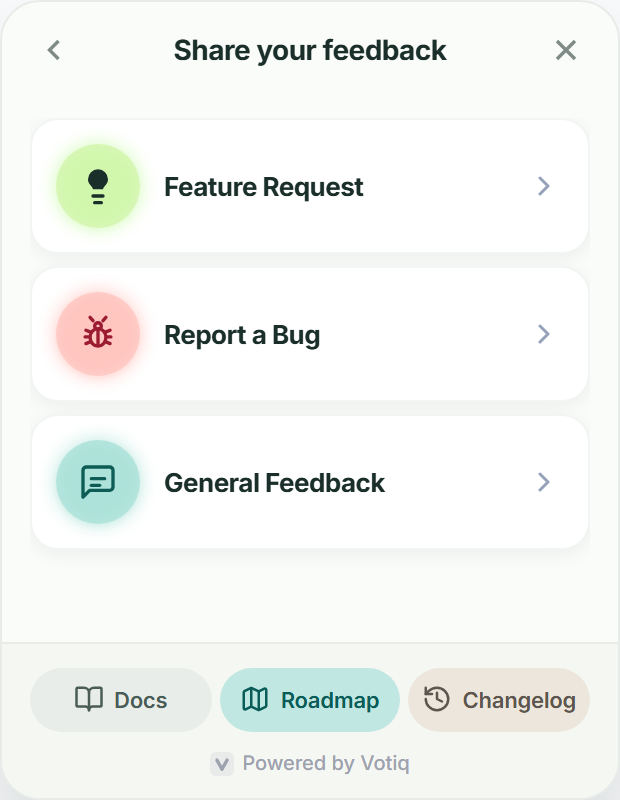
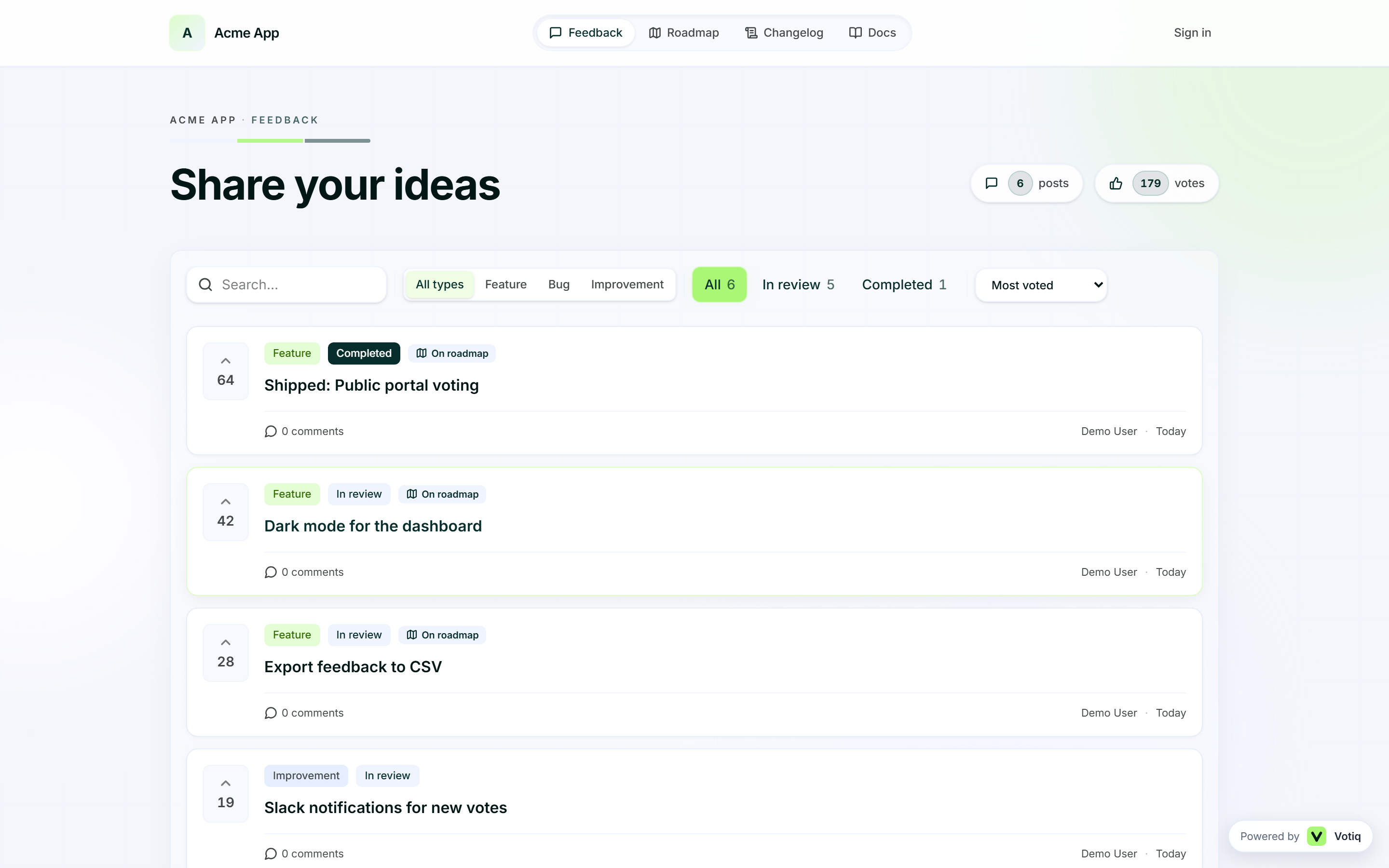
The same surfaces your docs describe — widget, portal, and workspace.
Getting started
Widget & embed
Public portal
Product workflow
Roadmap and feature voting
Run a public product roadmap with customer voting, planned, in progress, and shipped.
5 min read
Kanban workflow
Move feedback into Kanban tasks and ship with lightweight product management.
4 min read
Publish your changelog
Write and publish changelog entries in Keep a Changelog format for your SaaS product.
4 min read
API & integrations
Customer Feedback API
Overview of using the Votiq customer feedback API patterns to create feedback, sync status, and connect your product backend.
6 min read
Webhook Guide
Send Votiq feedback and status events to Slack, Zapier, or your backend with webhooks.
5 min read
Integrations
Connect Votiq to Slack, Zapier, Intercom, and your stack so feedback reaches the tools your team already uses.
4 min read
Documentation FAQs
Where do I start in the Votiq docs? +
Begin with Introduction, then Install the widget, then Public portal. Add roadmap, Kanban, and changelog guides once intake is working.
What is the difference between these guides and the knowledge base? +
These docs help your team set up Votiq. The knowledge base (/docs/documentation) explains how to publish customer-facing articles inside the widget and portal.
Can documentation help reduce support tickets? +
Yes. In-app docs in the widget deflect common questions before users email support@ or open a ticket.
Do docs stay in sync with the changelog? +
That is the recommended rhythm: when you ship, update related help articles and publish a changelog entry in the same release.
Ready to set up?
Create your workspace and install the widget in minutes. Then publish your first knowledge-base articles beside feedback and the roadmap.
Get started